
1Voice PBX
Staying in touch is easy with a 1Voice PBX
We offer all the functionality required by demanding businesses, wrapped up in an easy-to-use, flexible business phone system.
A professional feature set, together with tools to simplify operation and management, provides the ideal solution for all your company’s communications needs
1Voice PBX is a fully featured phone system available in two configurations:
T-PBX1: An on-premise phone system offered in both a stand-alone software package and complete line of hardware platforms.
T-PBX2Cloud: A Cloud-based version managed by 1Voice Data Centers.
1Voice is a pioneer in the telecom equipment market, offering a wide range of telecommunication solutions including IP phones, Gateways, Session Border Controllers, Telephony Interface server expansion cards and professional services.
1Voice PBX ... The Complete Solution
1Voice is a truly scalable, feature rich and flexible platform. Combining this versatility with a product wide range delivers a complete business communications solution. The reassurance that it will “just work”, because it is designed to work seamlessly together, means that you can get on with running your business and not worry about the technology.
1Voice PBX
- 25-5000 users
- 1U rack mountable
- High performance SSD storage
- Expansion Modules
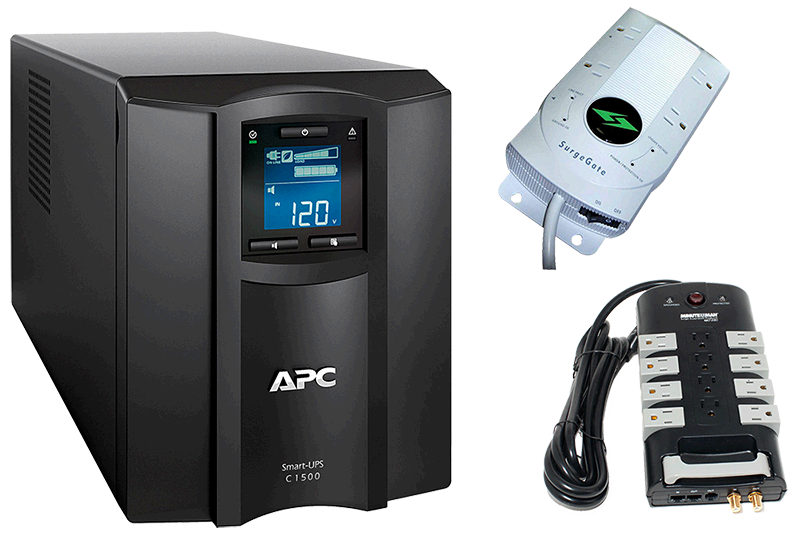
- Universal Power Supplies
- High Availability Clusters
- Remote Management
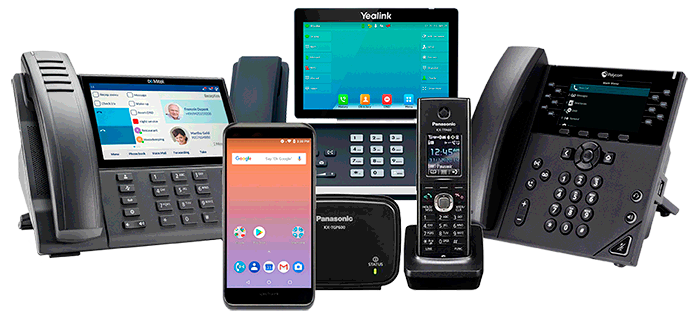
IP Phones
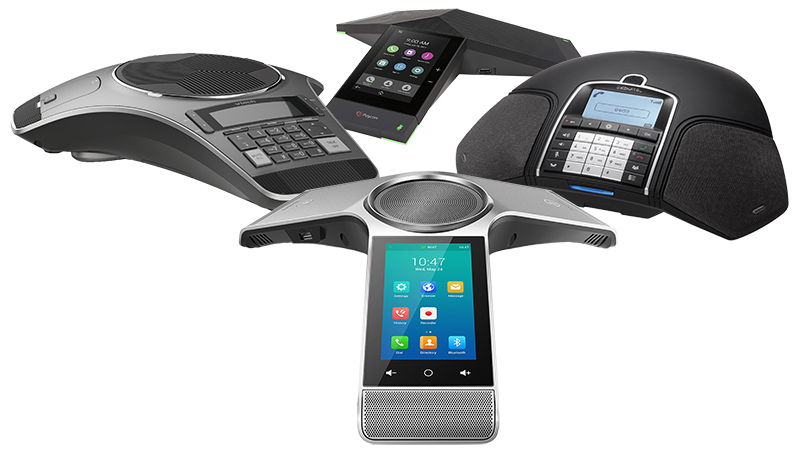
Complete range of phones for the enterprise including free access to Zero Touch provisioning tools such as End Point Manager and Redirection Server. Access to high productivity features with support for Phone Apps including hot desking, queue control and voice mail notifications. High level of security with built in VPN.
Connectivity
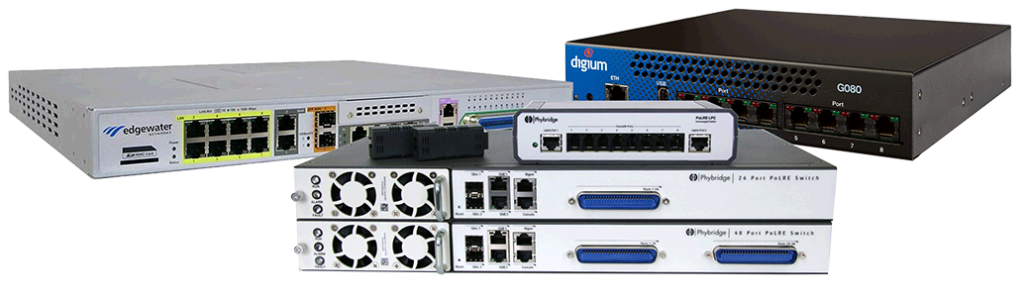
Every PBX system needs to connect to the PSTN (legacy T1/E1, analog and ISDN BRI) or to SIP Trunks.
1Voice facilitates this with a full product range of:
- VoIP Gateways
- Session Border Controllers
Telecom Expansion Cards
SIP Trunking
Save money on your telephone bills! SIP Trunking from 1Voice is a service that is quickly and easily inte- grated into 1Voice PBX. Sign online directly from the PBX management GUI.
Enjoy unlimited SIP trunking with a monthly fee.
Communicate Anywhere
Endpoints
PBX1 is designed to work seamlessly with all 1Voice IP phones, offering phone side user applications and other enhanced functionality. With 1Voice zero-touch installation, phones will find PBX1 and configure themselves with absolutely no intervention.
Leverage Existing Infrastructure
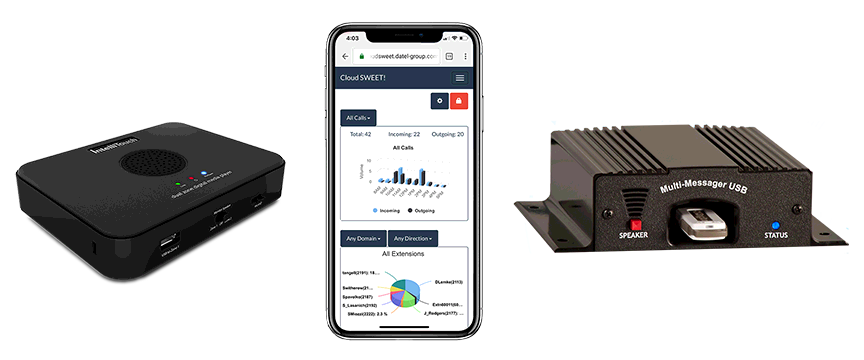
Based on open SIP (Session Initiation Protocol) standards, PBX1 can also be used with other vendors IP phones, paging or door entry systems. Even advanced phone side applications can be enabled with other vendor’s phones.
Conferencing and Collaboration
Add as many conference bridges as you need and optionally assign a conference bridge to an individual user and allow that user to control their conference bridge. When a user logs in to their User Control Panel they can easily manage all aspects of that conference bridge.
Desktop Integration
Each PBX1 user gets access to their own User Control Panel (UCP). This allows each user to control presence, view call history and even make and receive phone calls. UCP has a built-in webRTC (Web Real Time Communica- tion) client that can place outbound calls and will ring when inbound calls arrive at the extension. The Zulu license brings deep integration with Microsoft Outlook and web browsers. Users can click to call from email, contact lists and websites as well as set presence and deal with faxes.
Network Connections
PBX1 supports a range of different connection types to allow calls to the outside world. SIP Station, the SIP trunking service from 1Voice, can be set up in min- utes. Complete integration means no tricky configuration anywhere, meaning more time for business. Legacy Pub- lic Switched Telephone Network (PSTN) can be accom- modated using Digital or analog connections or can be used as backup or resilience for SIP trunks. SIP trunks bring flexibility and cost saving versus direct PSTN con- nections and adding SIP trunks from other vendors.
Integrate
Every business has legacy devices whether they are analog handsets, FAX machines, elevator and safety phones or door entry systems. With 1Voice comprehensive range of hardware all these devices can be easily integrated Built-in CRM integration allows PBX1 to connect with the most popular CRM softwares, such as SugarCRM, Salesforce, Zoho and ConnectWise.
Mobile or Remote Users
Stay connected wherever you are with built-in functionality from PBX1. Remote workers can easily benefit from the full PBX functionality by using VPN to securely connect – built in to PBX1 and 1Voice phones. Connectivity shouldn’t need to stop when you leave the office. With the Zulu UC desktop softphone and iOS/An- droid Mobile App, call, chat, sms, fax and control your presence, from wherever you are. With the follow-me feature, users can choose to forward calls to their mobile phone or a related extension either immediately or after a number of rings. Voicemails can still be left at the originally called extension.
Keep In Touch
Integrated Voicemail
Powerful voicemail applications allow you to keep in touch with your callers wherever you are:
- Take complete control over voicemail settings for every extension and user
- Voicemail reports allow system administrators to monitor message counts and check and listen to voicemail greetings
- Voicemail to email means messages allows you to manage communications from your inbox
- Voicemail blast can be congured so that messages can be assigned to one or a group of people for processing
Unified Messaging
PBX1 doesn’t just enable voice communications; it enables the full suite of unified communications:
- Instant messaging allows users to communicate quickly and easily using industry standard XMPP clients
- Presence sharing means no wasted phone calls when your colleagues are busy or unavailable
- Faxing can be enabled for every extension and received faxes emailed directly to the user inbox
Media Services
PBX1 supports voice processing, allowing many advanced features, such as:
- IVR (Interactive Voice Response)
- Call recording
- Auto attendant
- Automatic Call Distribution
- Text to speech
- Announcements
System Management
Web Browser Management
Securely administer PBX1 using any compatible web browser from the LAN or enable external administration from the WAN. All configuration, management and debugging capabilities are available via the easy-to-use webUI.
Monitoring and Reporting
The PBX1 dashboard, available through the PBX1 webUI gives a quick system health check and will locate and display critical system errors that need addressing. More detailed reporting including CDR information, call logging and feature codes can also easily be viewed through the webUI.
Automatic Back Ups
Never lose any of your important configur- ations, custom sound prompts, voicemails, call recordings or billing data by using the automatic backup facility. This can be scheduled to run nightly, weekly or monthly.
Alerts
PBXact will alert you if problems are detected. The types of alerts range from UPS alerts, system failures or storage resource issues to intrusion detection.Intrusion detection helps prevent unauthorized access to the system and will blacklist the source IP address as required.
Survivability and Redundancy
Combine two PBXact systems to create a highly available system perfect for your organization with a low tolerance for downtime that depends on their communications. Automatic mirroring means the configuration and status of both systems is kept up to date and failover happens immediately so no delay while onsite spares are deployed or repair occurs.
Voicemail Management
System administrators can check the number of messages in the system and monitor how many names, and other greetings have been recorded.
Personal Administration with UCP
UCP provides each user with a web based login to allow them to easily control their personal ex- perience. Users can view their call history, view contacts, set their presence and personalize their phone softkeys like call forwarding, follow me, call waiting and do not disturb. Additionally, per- sonal fax server functions, voicemails and SMS can all be accessed.
Contact Center
Providing a cost effective means to contact customers and allowing customers to contact you is a key part of many businesses. With the PBX1 contact centre suite it’s easy to build both inbound and outbound contact centre functionality without the need for more equipment or software onsite.
Automatic Call Distribution
Inbound calls can be handled efficiently with PBXact’s ACD (Automatic Call Distribution) or queues feature. Individual queues can be easily denied for different call categories and virtual queues can be created within the queue to deal with important customers faster. With dynamic queue routing and many options for how calls are handled as they age you can create the best experience for your inbound calling customers.
Outbound Calling
PBX1’s broadcast feature easily automates your company’s outbound message broadcast dialing. Multiple campaigns can be created and scheduled as necessary. With built-in answering machine and fax detection the call only gets connected when it should be. Override default Calling Line Identifiers (CLIs) so that customer call backs are directed appropriately – choose to play a message or transfer the call directly to an agent.
Call Recording
Many industries must record and archive calls for Customer Satisfaction, Employee Evaluation and Training, Security, and Legal Compliance reasons. With the webUI it’s easy to view, sort, listen to, archive and download all recorded calls on your system.
Reporting
Alongside the full reporting capabilities of PBX1, queue reporting and call recording reports are easily accessible via the web. The queue reporting system allows you to create custom reports over whatever period is needed. All call statistics can be easily added to a report and the whole report easily exported for analysis or to be built into business analysis tools.
Voicemail Management
System administrators can check the number of messages in the system and monitor how many names, and other greetings have been recorded.
Website Integration
It’s simple to add a Call Me box to your website to allow customers to contact you directly from the web. Visitors enter their phone number to be connected with you or a specific destination and will be called when an agent is available. Full control of routing for that call and how it should be managed is provided so that customer contact and priorities are appropriately handled.
Exclusive Features
General Features
- Unlimited auto-attendant/IVR
- Flexible time-based call routing
- Class of Service
- User Management and Group Creation
- Fax Pro - Unlimited inbound/outbound Fax-to-email
- Music-on-hold
- Voicemail-to-email
- Voicemail blasting
- Directory
- Customizable announcements
- Built-in multi-language IVR, voicemail and announcements
- Multi-language admin GUI and end user device support (UCP and IP phones)
- Calling queues (ACD/IVR)
- Built-in calendar used for call-based routing (Holiday and office hours routing)
- Enhanced time zone support
- Call Recording reports
- Call logging interface
- Secure communications (SRTP/TLS)
Call Features
- Unlimited conference bridge & control
- Follow me/Find me calling
- HotDesking
- Intercom
- Enhanced Paging (Page Pro): Valet style, scheduled with custom recording
- Call Parking/Call Pickup
- Caller-ID
- Do-not-disturb
- Call Forward
- Call Waiting
- Call History and CDR
- Speed Dial
- Caller Blacklist
- Multi-parking lot (Park Pro)
Unified Communications
- End User Control Panel (Dashboard):
- * Flexible time-based call routing
- * Voicemail control
- * WebRTC phone with chat
- * IP Phone programmable button customization (EPM for UCP)
- * Fax dashboard
- * Call forwarding, call-waiting, DND and follow-me control
- Presence
- Zulu UC Desktop Integration
- * Desktop softphone (Windows & Mac): call, team chat, fax, SMS, presence
- * Click-to-Call from browser, email client and CRM
- * Screen-Pop for helpdesk and CRM
- Mobile Client
- * iOS/Android Support
- * Presence Control
- CRM Integration
- * SugarCRM, SuiteCRM, SalesForce, Zoho
- * Click-to-call, call history, call recording, screen-pop
Telephone Features
- Built-in Auto-Provisioning with redirect service (Incl. with 1Voice IP Phones)
- EndPoint Manager - Centralized tool for IP phone provisioning for customization and configuration
- * Included with 1Voice IP Phones
- 1Voice IP Phone Apps
- Call-Center Features (built-in)
- Call Queuing (ACD)
- Advanced Ring Strategies
- Caller Announcement
- Agent wrap-up time
- Max-Queue callers
- CRM Integration
- Call Recording
Licensed Add-ons
(additional fee)
- XactView Wallboard - User status view and call control
- Queue - Call center statistics, barging in, call-override, advanced call-center reporting
- End-Point-Manager for non-1Voice Phones
- Professional Greetings
- Queue call-back for inbound callers
- Web Call-back
- Outbound campaign (call-center feature)
- Appointment Reminder
- Outbound Call Limiting
- Hotel Property Management